
Smart route selection
Automatically matches smoother nodes based on the current network environment, reducing the need for manual switching.
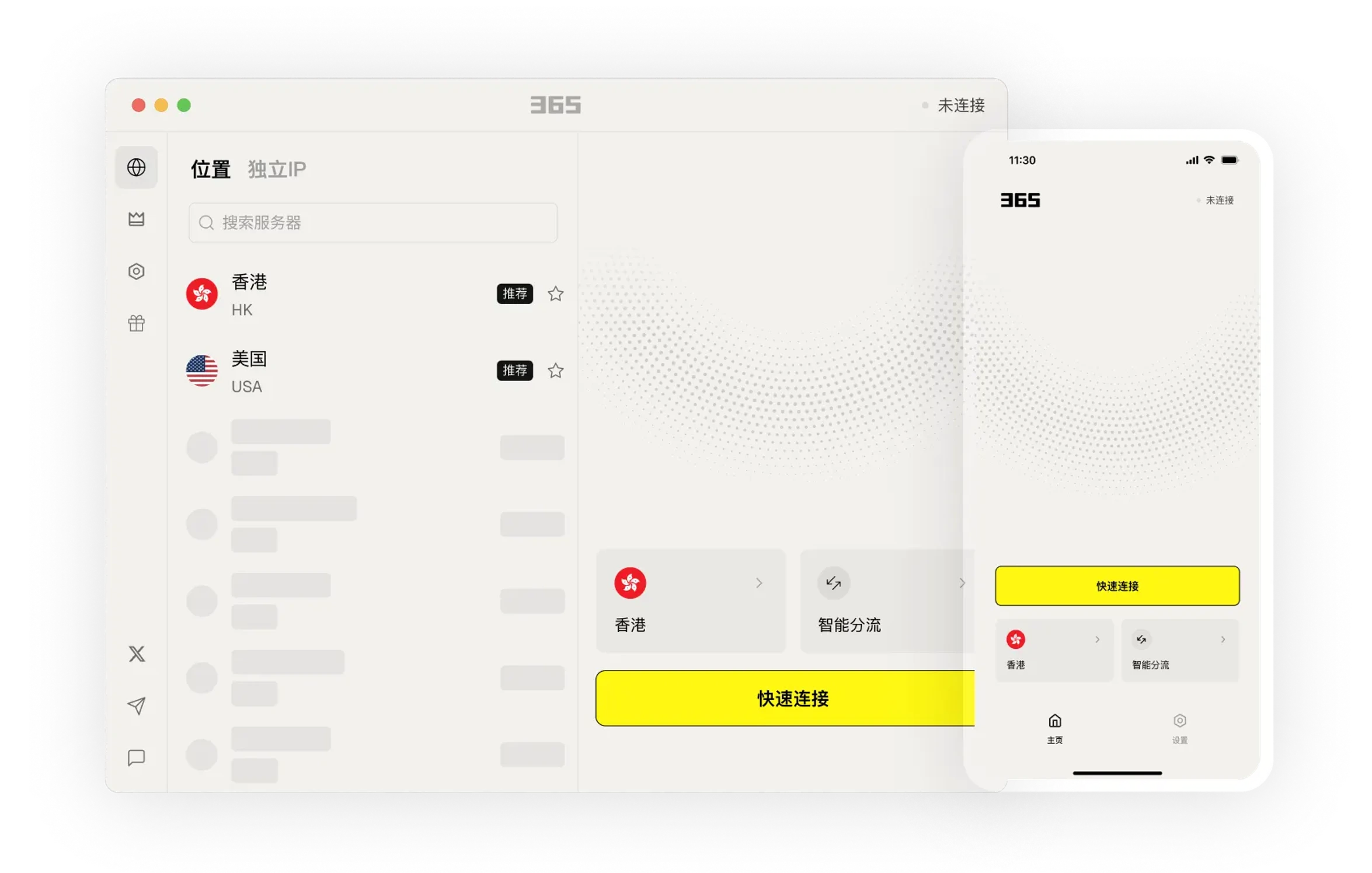
Understand product features through clear instructions and arrange usage that fits your needs.
Choose the connection method that suits your current environment for daily work, communication and browsing.
Connect to 500+ servers worldwide across 60+ countries and regions. Access content from anywhere.
Seamlessly access Google, YouTube, and other services. Easily reach global content and enjoy worldwide services.
Keep your frequently used connections and device settings in one place, reducing the steps to find and switch.
Download Now →Always here to help. Day or night.
Providing you with the simplest guidance - no confusing technical jargon.
From smartphones to routers and TVs, we've got you covered!
Keep your frequently used connections and device settings in one place, reducing the steps to find and switch.

We provide easy-to-understand articles to help you stay informed.

Keep your frequently used connections and device settings in one place, reducing the steps to find and switch.
After installation, you can view the settings and help content in the app to gradually familiarize yourself with common features.

After installation, you can view the settings and help content in the app to gradually familiarize yourself with common features.
Learn about the device versions and usage methods that suit you, and arrange connections and work as needed.
Select your device system in the download center and view the corresponding version name.
Open the installation file and follow the on-screen installation prompts on your device to complete setup.
365 VPN provides a unified connection experience for daily browsing, remote work, and business travel. No complex configuration is needed; after installation, you can quickly enable it on commonly used devices, reducing interruptions caused by frequent disconnections.
Automatically matches smoother nodes based on the current network environment, reducing the need for manual switching.
Maintains basic access even on hotel or public networks, suitable for mobile office scenarios.
The same account can be used on multiple common devices to meet the needs of family members going online at the same time.
Generally not. After installation and login, the app will automatically recommend available servers. If the network environment changes, you can tap Connect or refresh the node to re-establish a stable connection.
You can try switching to a node with lower latency, or close background apps that use a lot of bandwidth. Server performance may vary at different times of the day, and switching nodes usually improves speed.